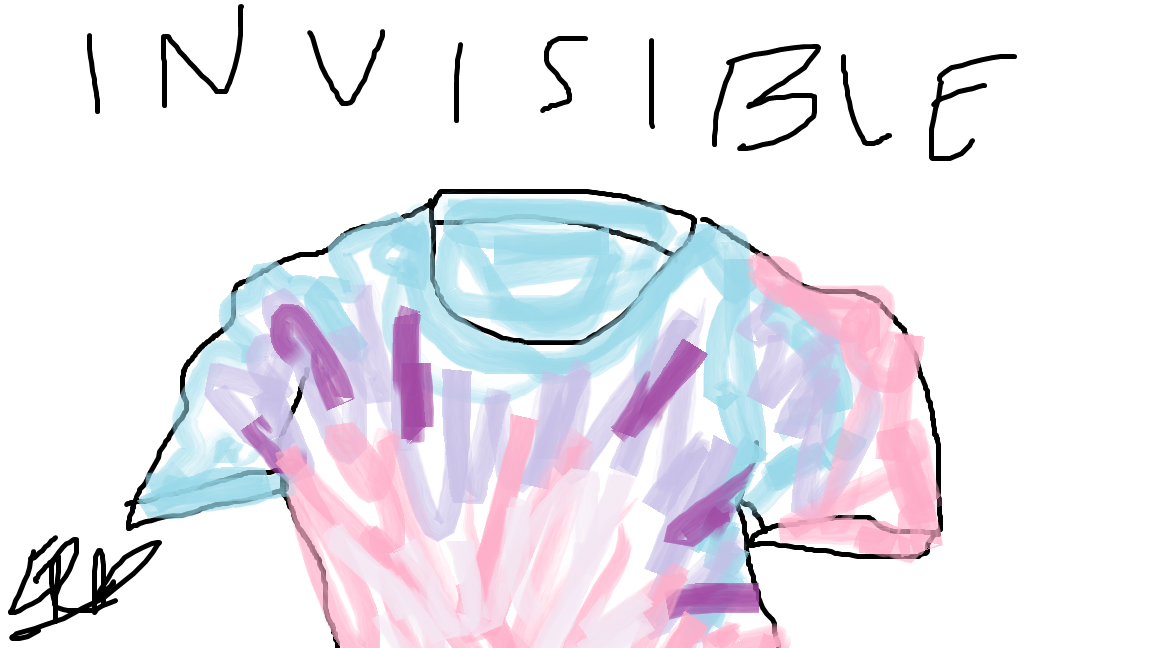
For this project, we had to create an invisible effect after taking a headshot using Adobe Photoshop. I had a classmate start by taking a headshot of me in front of a light gray background. I then went into Photoshop and used the magic tool around areas such as the neckline and sleeve and erased myself. I used the Content Aware tool to fill the space where I erased myself and created a neckline in the back using the pen tool and matched the blue color of my shirt to fill it in.

- Image: Invisible effect on a shirt

 Emily Ramirez